
Google Business Profile and Website Strategy for Saskatoon Retail
A practical plan for Saskatoon retailers to connect a well-kept Google Business Profile with a website that answers shopper questions, supports store visits, and can be measured.
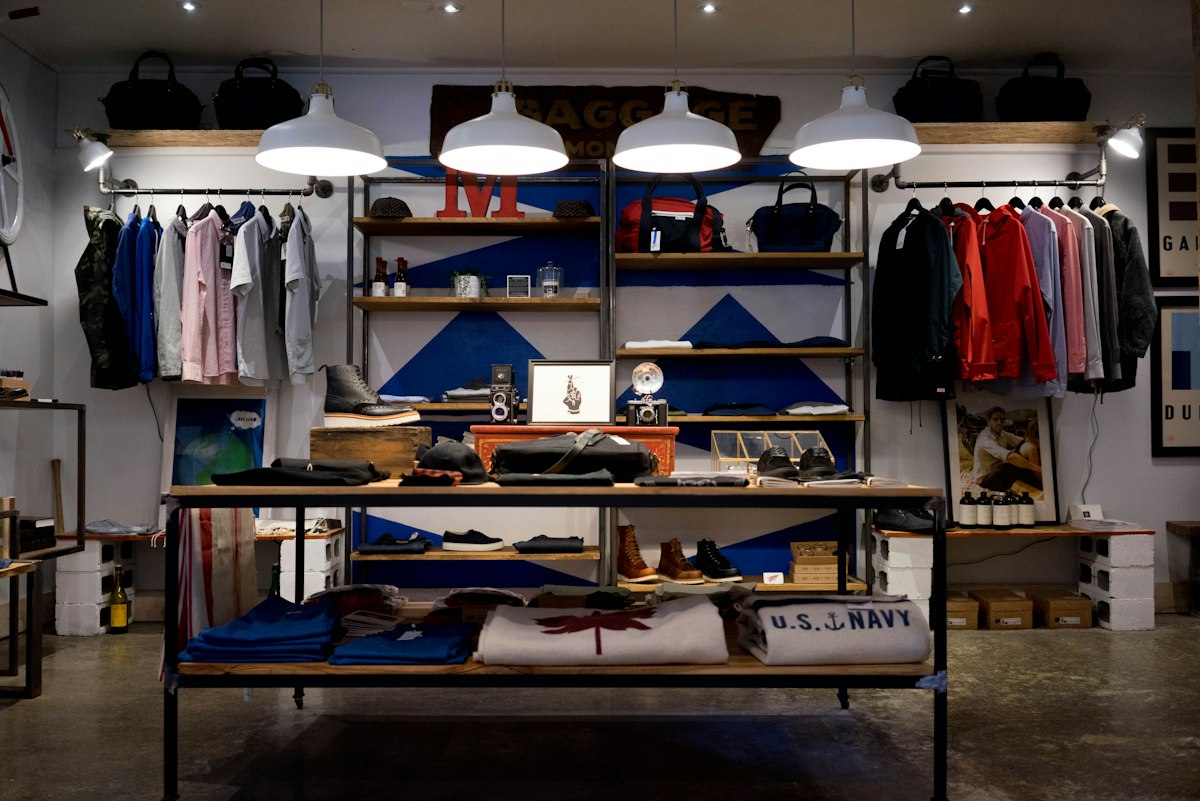 Photo: Unsplash
When a shopper in Saskatoon searches for a gift shop, a bike store, or a place to buy winter boots, they usually see a map pack, a handful of Google Business Profile (GBP) listings, and then website links. For a retail store, the profile and the website are two halves of one local presence. The profile gets you noticed at the moment of intent. The website answers the questions the profile cannot: what you stock, whether it is in right now, how to get there, and why this store over the next one.
This guide is for owners and managers of independent Saskatoon retail businesses. It covers how to set up and maintain your profile, what your website needs to support it, and how to measure whether the work is paying off. We are a Regina-based studio and we work with Saskatchewan businesses remotely, so we focus on practical steps you can check yourself. Nothing here guarantees a ranking; local results depend on many factors, including competition and proximity to the searcher.
Why the profile and website need to agree
Google uses information from your profile, your website, and other sources on the web to understand who you are and where you operate. When your name, address, phone number, hours, and category differ from one place to another, you create confusion for customers first and for search systems second. The fix is not complicated, but it needs one person to own it.

- One source of truth: keep a simple document with your exact business name, address format, phone number, hours, holiday hours, and primary website URL.
- One owner: decide who can edit the profile, who approves changes, and who replies to reviews.
- One review rhythm: check the profile and the site's contact page at the start of each season and before every long weekend.
Step 1: Claim, verify, and secure the profile
Search for your business on Google Maps. If a listing exists, claim it through the official Google Business Profile Help flow rather than creating a duplicate. Duplicates split reviews and photos and can trigger suspensions.

Read Google's guidelines for representing your business before editing. Use your real, legal or commonly used business name. Adding keywords such as "Best Saskatoon Boots" to the name field is the kind of change that gets profiles flagged.
Add at least two owners or managers using business email addresses, not only a personal account. If the person who set up the profile leaves, you do not want to lose control of it.
Step 2: Fill in the profile like a shopper would read it
Category and attributes
Choose the most accurate primary category, then add secondary categories only where they truly describe what you sell. A store that sells outdoor clothing and repairs zippers might use a clothing store category first and a repair-related category second, if one fits. Add attributes that apply, such as wheelchair-accessible entrance, in-store pickup, or curbside pickup. Only list what you actually offer.
Hours, including exceptions
Saskatoon retailers often adjust hours for Canada Day, Labour Day, Remembrance Day, Christmas, and local events. Update special hours before each of those dates. Wrong hours are one of the quickest ways to lose goodwill, because someone drives across town to a locked door.
Products and services
If your business type supports it, add products with clear names, photos, and prices you are prepared to honour. For smaller catalogues, featuring your top ten sellers is a good start. For larger catalogues, link each product entry to the matching page on your website where possible, so a shopper who taps through lands on the right page rather than the home page.
Photos and posts
- Upload a clear exterior photo so people can find the entrance, especially if you are in a strip mall or shared building.
- Add interior photos, staff or owner photos, and current merchandise. Use your own images, not stock photography.
- Use posts or updates for events, arrivals, and sales. Keep them short and dated, and remove outdated offers.
Step 3: Build the website pages the profile points to
Your profile has a website link. Treat that link as a landing page decision, not an afterthought. For a single-location store, the home page can work if it shows address, hours, a map, and a clear description of what you sell above the fold. For a store with several departments or more than one location, dedicated pages perform better for visitors.
A real location page
Each physical store should have its own page with:
- The full address, written the same way as on the profile.
- Hours, including how to find holiday exceptions.
- A phone number that works as a tap-to-call link on mobile.
- Parking, transit, and accessibility details that help people plan a visit.
- An embedded map and a short note on nearby landmarks, written for humans.
- Photos of the storefront and interior.
Avoid creating dozens of near-identical pages for neighbourhoods you do not serve in a meaningful way. Thin, copied pages add maintenance cost and little value for shoppers.
Category and brand pages
Think about how people actually shop. Someone looking for kids' winter gear does not want to scroll through your entire catalogue. Create category pages for your strongest product groups, with a short introduction, helpful buying notes, and links to individual products or to a "call or visit" prompt if you do not sell online. If you stock brands people search by name, give those brands a page that explains what you carry and how to arrange special orders.
A page that answers common questions
List the things staff answer every week: return policy, gift cards, special orders, repairs, local delivery, and pickup instructions. Short, plain answers reduce phone calls and give visitors a reason to trust you. If your store offers delivery within Saskatoon, state the area and fees directly rather than hiding them.
Structured data and basics
Local business structured data helps search systems read your name, address, phone, and hours consistently. Add it once the visible content is correct. Make sure the site is fast on mobile, uses HTTPS, and loads without intrusive pop-ups. Our web development team builds sites with these basics in place, and our SEO and marketing service covers the ongoing profile and content work.
Step 4: Reviews as a routine, not a campaign
Reviews influence both visibility and customer confidence. Follow Google's policies: ask real customers for honest feedback, never offer incentives in exchange for reviews, and never review-gate by only asking happy customers.
- Make it easy: create the short review link from your profile and put it on receipts, a counter card, or a follow-up email.
- Ask at the right moment, such as after a successful pickup or a repair completed.
- Reply to every review within a few days. Thank people by name where appropriate and keep responses short and specific.
- For critical reviews, respond calmly, acknowledge the issue, and offer an offline channel to resolve it. Do not argue publicly.
- Report reviews that violate policy, such as spam or conflicts of interest, through the profile tools, but do not expect every flagged review to be removed.
Do not feature fabricated testimonials on your website. If you show reviews on your own pages, make sure they are real and attributable, and check that the way you display them complies with the platform's terms.
Step 5: Track what matters
Retail is a physical business, so the goal is not just clicks. You want store visits, calls, and orders. Set up a simple measurement stack:
- Profile insights: review how people find your listing and which actions they take, such as calls, direction requests, and website clicks.
- UTM tagging: add campaign parameters to the website link on your profile so analytics can separate profile visits from other organic traffic.
- Google Search Console: check which searches show your site, which pages earn impressions, and whether any mobile or indexing issues exist.
- Analytics events: track taps on the phone number, direction links, and contact form submissions.
- In-store question: ask new customers how they heard about you and record the answer. It is simple and often more useful than dashboards.
Look at trends over several months rather than a few days, since local seasonality, weather, and promotions affect retail traffic in Saskatchewan.
A 30-day starter plan
Week 1: Audit
Confirm ownership, remove duplicate listings, verify name, address, phone, and hours across the profile, website, and main directories. List gaps.
Week 2: Profile build-out
Set categories and attributes, upload fresh photos, add top products, and write a clear business description that avoids keyword stuffing.
Week 3: Website alignment
Create or improve the location page, add an FAQ section, and update the profile website link to the best landing page. Add click-to-call and directions links.
Week 4: Reviews and measurement
Set up the review request routine, add UTM tagging, confirm Search Console and analytics are working, and record a baseline for calls, directions, and website visits.
Where to go from here
A tidy profile and a useful website are the most dependable foundation for local retail visibility. From there, additional channels like email, community events, and paid search can build on it. If you want help auditing your current setup, you can see examples of our recent work, learn how we support Saskatchewan businesses from Regina, or read about our Canada-wide approach.
Want a second pair of eyes on your profile and site? Contact our team for a conversation about your store, or check current offers for audit and setup options. We will give you straightforward advice and will not promise specific rankings, because no one honestly can.
Ready to grow your brand?
Explore our services, Regina local pages, or start a conversation — we build for businesses across Canada.
Continue reading
 Marketplace
Used Cars Tisdale: Buy & Sell Vehicles in Saskatchewan
Tisdale, SK guide to used cars: Kijiji, Facebook Marketplace, buy and sell tips — plus a link to our Saskatchewan Private Marketplace.
Read article Marketplace
Used Furniture Tisdale: Where to Buy & Sell in Saskatchewan
Tisdale, SK guide to used furniture: Kijiji, Facebook Marketplace, buy and sell tips — plus a link to our Saskatchewan Private Marketplace.
Read article Marketplace
Buy and Sell in Tisdale: Local Marketplace Tips for SK
Tisdale, SK guide to buy and sell: Kijiji, Facebook Marketplace, buy and sell tips — plus a link to our Saskatchewan Private Marketplace.
Read article